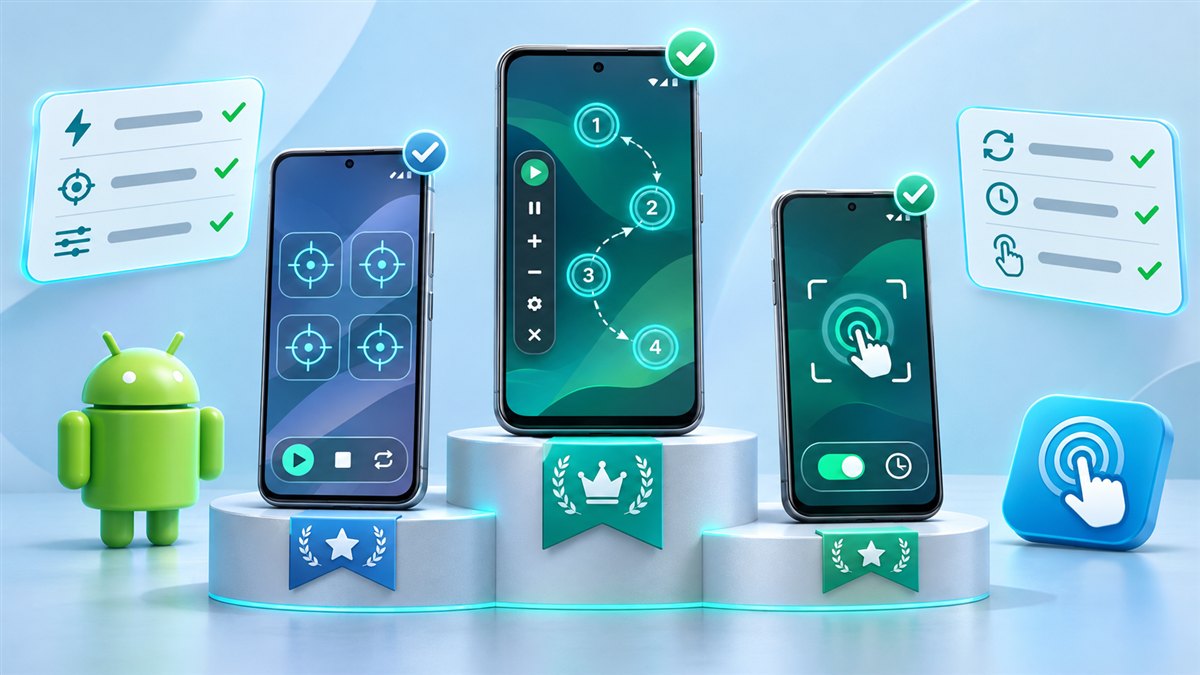
There is no single best Auto Clicker MOD APK for everyone. The right choice depends on what you want to automate and which Android device you use. Instead of a ranking, this guide gives you a checklist you can apply to any auto clicker, including the one available on this site.
1. Target modes
Start with what you actually need to tap.
- Single target is enough for one repeated tap.
- Multi-target is essential for routines with several steps in a fixed order.
- Swipes matter for scrolling, reading or games that use drag gestures.
2. Timing control
Good timing control is what separates a useful auto clicker from a frustrating one. Look for:
- An adjustable interval between taps.
- Per-target delays in multi-target mode.
- A way to stop after a set number of loops or a set time.
Very short intervals are not always better. Some apps ignore taps that arrive too fast, and fast loops use more battery.
3. Ease of control
You will spend most of your time with the floating panel. It should be easy to move, easy to stop in an emergency and small enough not to block what you need to see.
4. Permissions requested
An auto clicker legitimately needs the accessibility service and permission to display over other apps. Be cautious if an app also asks for unrelated permissions such as contacts, SMS or call logs. Those have nothing to do with tapping the screen.
Rule of thumb: accessibility and overlay access make sense for an auto clicker. Anything beyond that deserves a second look.
5. Stability on your device
Battery optimisation on some phones stops background services. A good auto clicker keeps working when you switch apps, as long as you allow it to. Try a short test session before relying on it for longer runs.
6. Ads and modifications
Many people choose a MOD build to avoid ads. Remember that each modified build is different. Check inside the app what is actually changed rather than relying on a description. Our no ads APK guide covers this in detail.
7. Source and consistency
Downloading the same app from many different websites makes it hard to know what you installed. Pick one source, keep the file name, and check the version in App info after installation. If you are curious about older builds, read the VV and GC old version guide.
Quick comparison checklist
| Criterion | Question to ask |
|---|---|
| Targets | Does it support the number of points I need? |
| Timing | Can I set the interval and per-step delays? |
| Stop control | Can it stop after a time or loop count? |
| Permissions | Does it ask only for what tapping requires? |
| Stability | Does it keep running when I switch apps? |
| Source | Do I know where the file came from? |
Putting it into practice
Install the app using the installation guide, test single-target mode, then try a short multi-target sequence. If it covers your needs, you have found the best option for you. If not, the checklist above shows exactly what is missing.
Define a task before comparing apps
The word best only becomes useful when you define what the app needs to do. For one person, a large start and stop control matters most. For another, the important feature is saving several target layouts. Write down one real routine and identify the minimum controls it requires. Count the targets, note whether a swipe is involved, and decide how the session should end. This gives you a practical comparison checklist instead of a long collection of features that may never affect your use.
Separate essential requirements from preferences. A readable interval field might be essential, while the color of the floating panel is a preference. If you often change orientation, easy target editing may matter more than having many profile slots. If you repeat only one action, a complicated sequence editor could add unnecessary effort. Judge the fit between the interface and your routine. An app with fewer options can be the stronger choice when those options are clear and behave consistently.
Evaluate the complete control cycle
Do not stop a comparison after the first successful tap. Test the full cycle: create a target, adjust its timing, start a short session, pause it, edit the target, and resume. Then close and reopen the app to check whether settings remain understandable. Move the floating toolbar away from the target and confirm that the stop control stays accessible. These ordinary actions reveal usability problems that a feature list cannot show, especially when several controls compete for space on a small phone display.
Use identical conditions when trying different options. Keep the same screen, brightness, orientation, and routine length. Avoid declaring one app faster because you used a shorter delay in its settings. Instead, compare whether each app produces the expected visible result at the same sensible pace. Note missed taps, confusing labels, and any unexpected changes to saved values. A small record of observed behavior is more useful than relying on memory after switching between interfaces that look similar.
Think about maintaining the setup
A good setup should remain understandable after you have not used it for several days. Look for profile names that explain their purpose and timing values that are easy to review. Consider how much work is required when the target app changes its layout. If every small adjustment forces you to rebuild the sequence, the tool may be inconvenient for a changing task. Simplicity includes the time spent correcting and maintaining a profile, not only the time saved while it runs.
Be cautious about ranking packages you cannot identify or test. A MOD label does not confirm a specific unlock, and a popular filename does not establish reliability. Compare the behavior available on your device rather than assuming a promotional list applies to every build. If an important feature is missing, record that limitation plainly. You can choose a suitable option without pretending that one package is universally best for every phone, task, or accessibility preference.
Conclusion
The best Auto Clicker Mod APK for a particular task is the one that provides the controls you need in a predictable way. Compare target editing, timing, stop behavior, and saved profiles through the same short routine. Favor a setup you can understand and maintain. A clear match to your needs matters more than a long feature list or an unsupported ranking.
Related guides
Auto Clicker No Ads APK: What Ad-Free Versions Actually Change
How ads interfere with automated taps, what ad-free builds change and what you should still check.
Read guide
Auto Clicker App for Games Mod APK 2.6.0: Setup and Fair-Use Tips
How to set up targets and timing for games, how to check the version you installed and where automation crosses the line.
Read guide