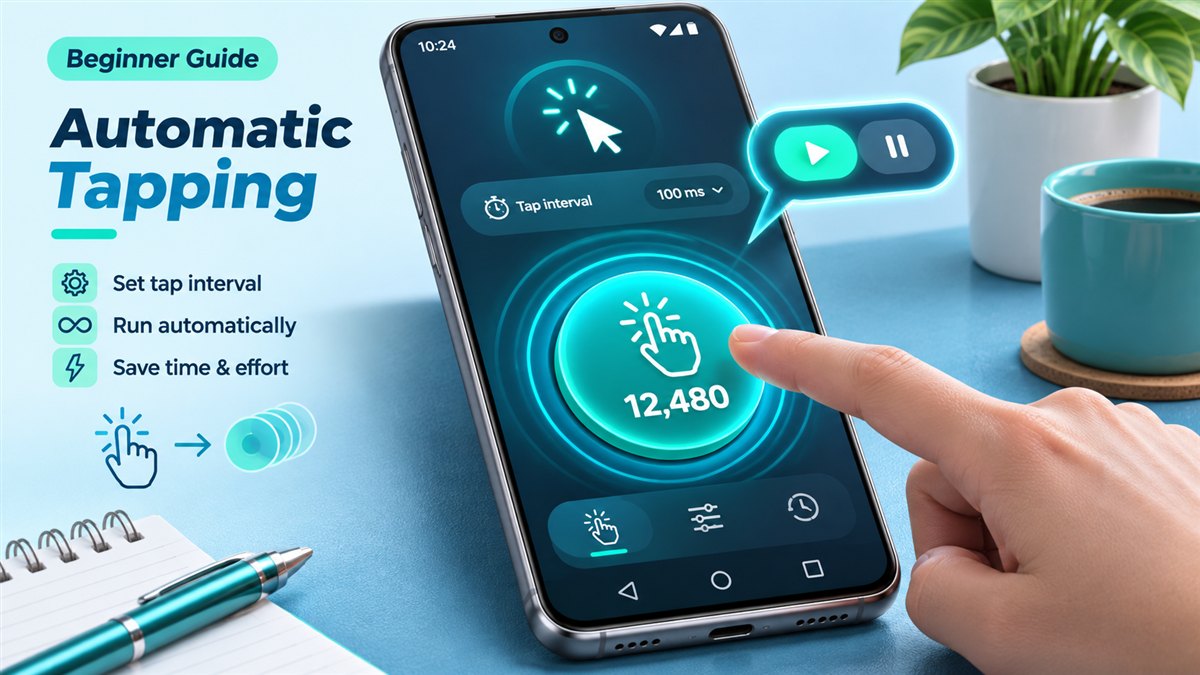
If you have ever tapped the same spot on your screen hundreds of times in a row, you already understand why auto clickers exist. Auto Clicker Mod APK is a modified Android package of a tap-automation utility: it repeats taps, and in many builds swipes, at positions and speeds you choose. This guide explains what that means in practice, without the hype.
Auto Clicker Mod APK in one sentence
An auto clicker is an Android app that places one or more targets on your screen and taps them automatically at an interval you set. The APK part simply means it is distributed as an Android package file that you install yourself, and MOD means the package has been modified from an original release, commonly to remove ads or unlock options.
How an Android auto clicker performs taps
Android does not let ordinary apps tap on other apps. Auto clickers get around this legitimately through the Accessibility Service framework, which was designed for assistive tools. Starting with Android 7.0, accessibility services can dispatch gestures such as taps and swipes. That is why every auto clicker asks you to switch on its accessibility service before it can do anything.
A second permission, usually called Display over other apps, lets the app show a small floating control panel on top of whatever you are using. From that panel you add targets, press play and stop the sequence.
Because accessibility access is powerful, only enable it for an app you trust and turn it off when you no longer need it. Our safety section explains what to check.
Typical features you can expect
Exact options depend on the build you install, but most Android auto clickers share a common set of tools:
- Single-target mode – one point that is tapped repeatedly.
- Multi-target mode – several numbered points tapped in order, useful for multi-step routines.
- Click interval – the delay between taps, usually in milliseconds or seconds.
- Swipe actions – a start and end point that are swiped across.
- Stop conditions – a number of loops or a timer after which the sequence stops.
- Saved configurations – profiles you can reload for different apps.
You can see how these fit together on the features overview.
What does the MOD label usually change?
A modified APK is a repackaged version of an app. In the auto clicker space, mods are usually shared to remove advertising or to unlock options that are otherwise limited. Because every modified build is different, it is important not to assume any specific change. After installing, check the app itself to see what is available. If you are mainly interested in an ad-free experience, our guide to the Auto Clicker no ads APK explains what to look for.
Who finds an auto clicker useful?
Players of idle and incremental games
Many casual games reward repeated tapping. An auto clicker can handle the repetition in offline, single-player titles. Online and competitive games are a different matter, which we cover in the games guide.
Testers and developers
Repeating the same UI interaction is a quick way to check that a button, list or form behaves consistently. An auto clicker is not a replacement for proper test tools, but it helps for quick manual checks.
People who want to reduce repetitive strain
Long sessions of identical taps can be tiring. Automating them can make some tasks more comfortable.
What an auto clicker cannot do
- It cannot run on iPhone or iPad, because APK files are an Android format. See Auto Clicker MOD APK on iOS.
- It does not read the screen or make decisions; it only repeats the positions and timings you set.
- It cannot override rules set by games or services. Some platforms prohibit automation entirely.
Next steps
If an auto clicker sounds useful, read the step-by-step installation guide and check the download section for availability. If anything goes wrong, the troubleshooting guide covers the most common problems.
A simple example of your first session
Imagine a demonstration screen with a large counter button. Your task is to press that button ten times. In single target mode, put the target in the middle of the button, choose a delay of one second, and limit the session to ten repetitions. Start the sequence while watching the counter. This small exercise shows the relationship between location, interval, and repetition without involving an account, purchase, or message. Once the counter reaches ten, confirm that the sequence actually stops. Learning to stop reliably is just as useful as learning to start.
Now imagine a second button that clears the counter. A multiple target sequence could tap the counter and then clear it. The order matters: reversing the targets changes the result. If clearing the counter opens a confirmation dialog, the original two target routine is no longer enough. You need to understand the new screen before adding another action. This explains a central limitation of basic tap automation: it follows a prepared sequence rather than understanding what happened after each tap.
Understanding timing and screen positions
An interval describes a pause, but apps may define that pause differently. Some count the delay between the starts of gestures; others apply a pause after the previous gesture finishes. A press duration describes how long the finger remains down. These settings should not be treated as interchangeable. If a button expects a quick tap, an unusually long duration can activate a different action. Start with clearly separated taps and adjust one value at a time so that you can connect each change with its effect.
Targets usually refer to positions on the display. Rotating the phone, changing display scaling, opening the keyboard, or moving an app into split screen can shift the controls underneath them. A saved layout therefore belongs to a particular screen arrangement. Give profiles descriptive names, including the task and orientation. Before reusing a profile, check the first and last target manually. A profile that worked yesterday can need adjustment after a layout change even when the auto clicker itself has not changed.
Setting realistic expectations
Automation is most useful when a task is predictable and the same controls remain in the same places. It becomes less dependable when popups, connection delays, changing menus, or moving targets interrupt the routine. A fixed delay cannot guarantee that an online response has arrived. Increasing the speed may make an unreliable sequence fail more often. For everyday use, a short supervised routine with a clear stopping point is easier to understand than a complicated sequence left running for a long period.
The MOD label is a description of a changed package, not a guarantee of quality, compatibility, or a particular feature. Two files with similar names may behave differently. Separate what you can observe, such as whether a profile saves correctly, from claims you have only read in a filename. You do not need an unlocked feature to learn the basic workflow. First establish that the app can place a target, perform a small number of taps, and return control to you without confusion.
Conclusion
Auto Clicker Mod APK describes an Android tap automation package that has been modified. Its practical value comes from understandable targets, sensible timing, and dependable stop controls. Begin with a harmless demonstration, keep the routine short, and check the result before increasing complexity. Knowing the limits of fixed screen positions helps you decide which repetitive tasks are suitable for automation and which still need direct attention.
Related guides

How to Install Auto Clicker Mod APK on Android
Allow installs from your browser, install the package, then switch on the accessibility service and overlay permission.
Read guide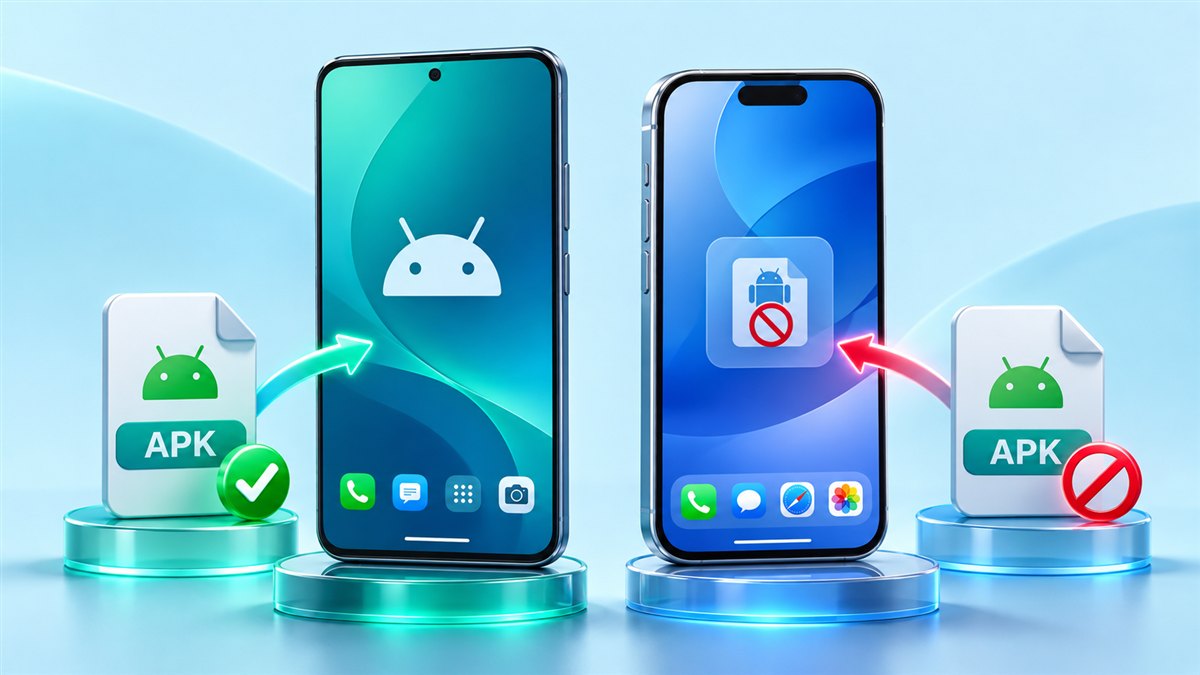
Auto Clicker MOD APK iOS: Can You Use It on iPhone?
Why an APK cannot be installed on iPhone or iPad, and which built-in iOS tools can repeat simple gestures.
Read guide